Pour commencer
Installez votre OYA sur iPhone
Comptez trois minutes. Vous ne le referez jamais.
Étape 1 sur 30 / 3
Reliez OYA à votre téléphone
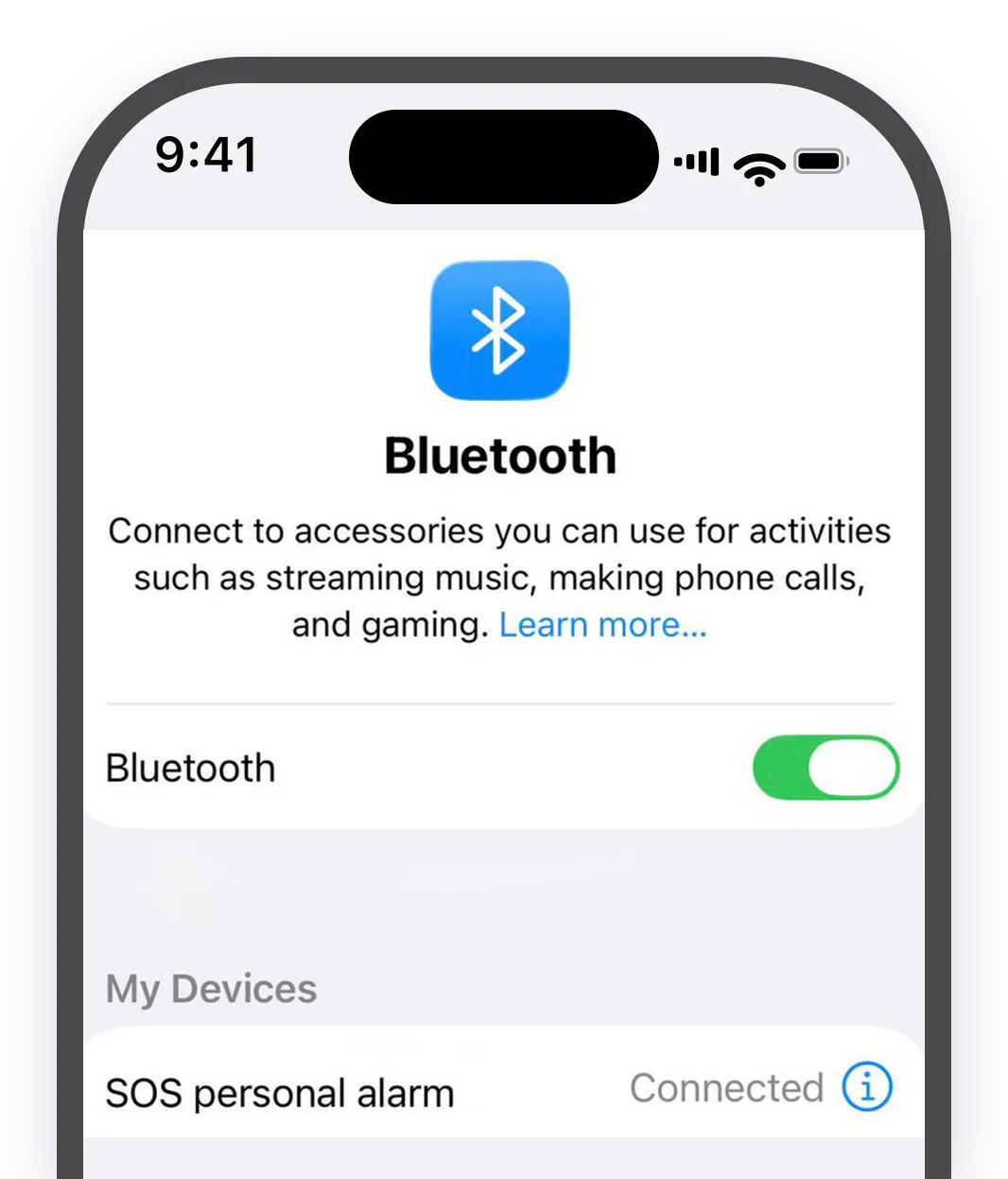
À savoir. Dans la liste Bluetooth, l’appareil s’appelle « SOS Personal Alarm », pas OYA. Le nom vient du module à l’intérieur : c’est bien le vôtre.
Étape 2 sur 30 / 3
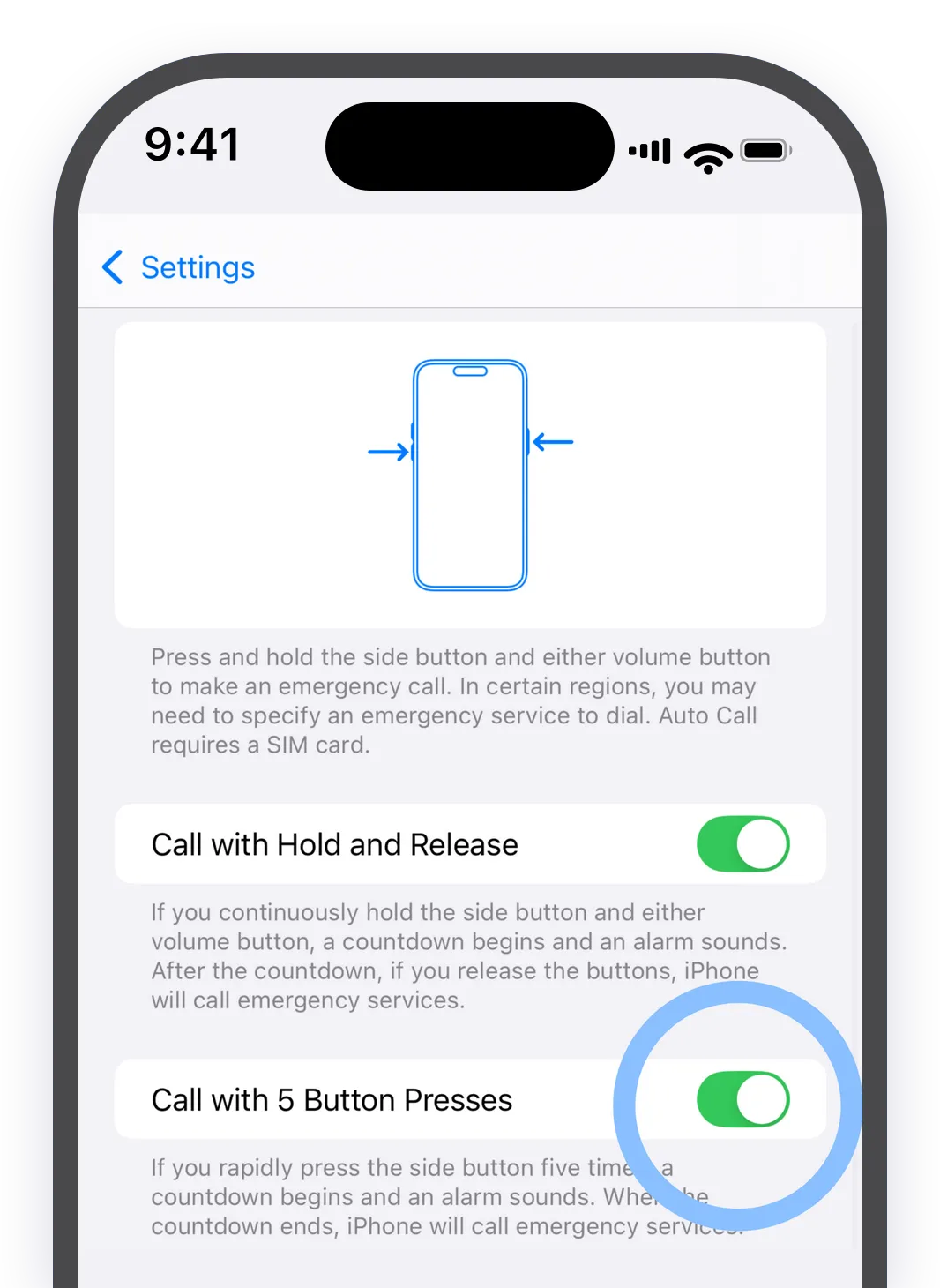
Laissez l’appel partir tout seul
Étape 3 sur 30 / 4
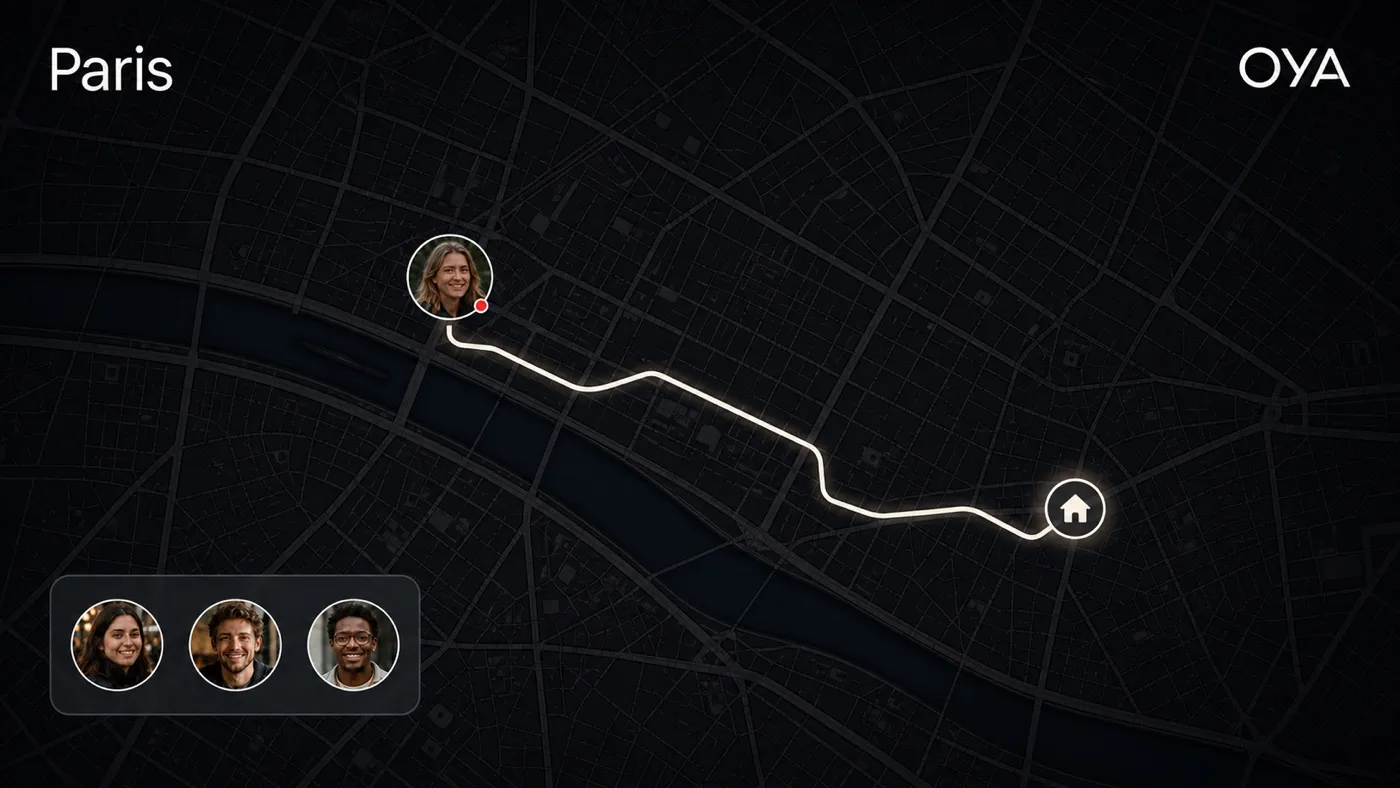
Choisissez qui prévenir
Tout est prêt
Votre OYA connaît votre téléphone.
Vous n’aurez plus à y penser. Voyez maintenant ce qu’il se passe quand vous tirez l’anse.
Étape 1 sur 30 / 3
Reliez OYA à votre téléphone
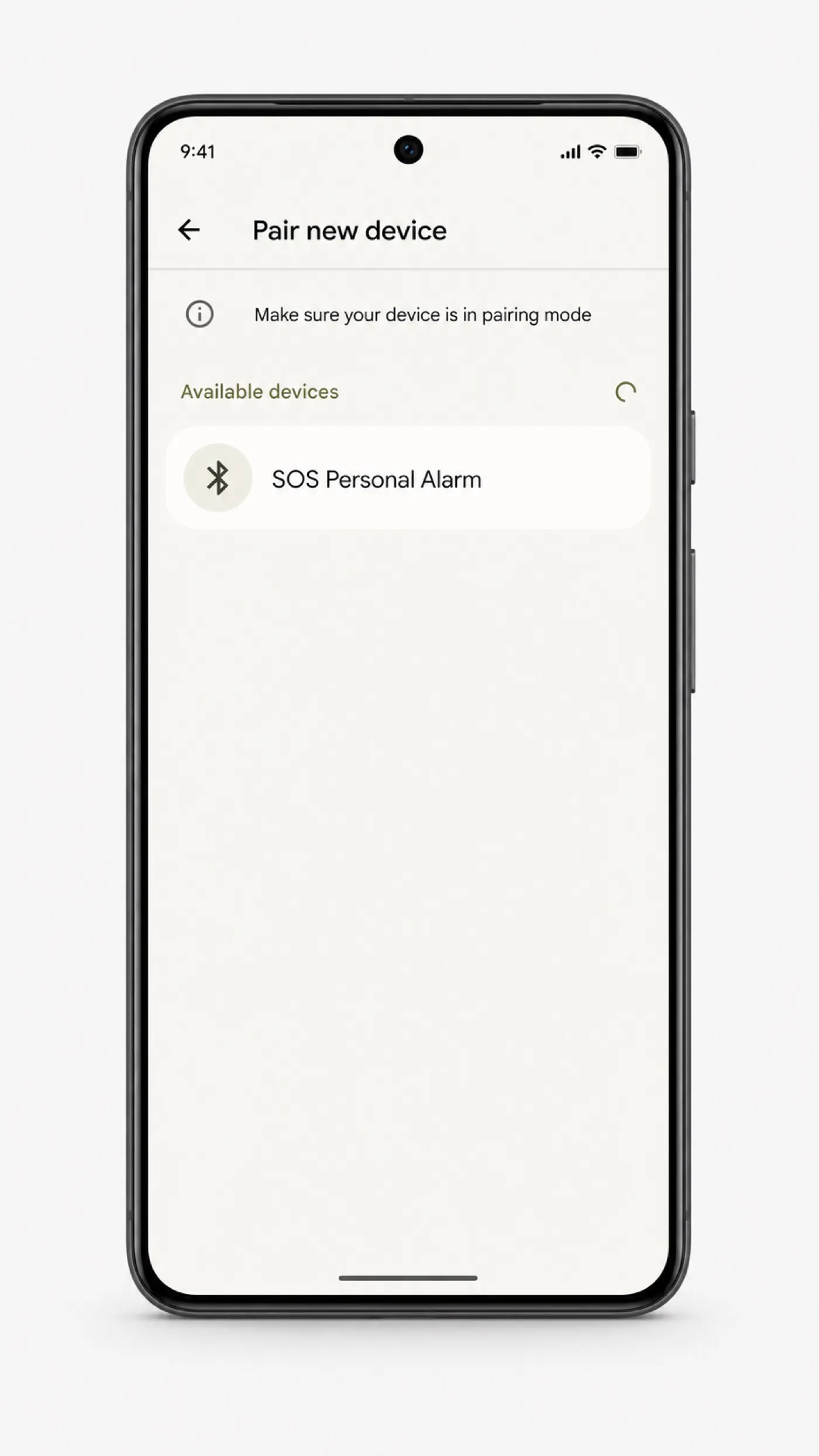
À savoir. Dans la liste Bluetooth, l’appareil s’appelle « SOS Personal Alarm », pas OYA. Le nom vient du module à l’intérieur : c’est bien le vôtre.
Étape 2 sur 30 / 3
Laissez l’appel partir tout seul
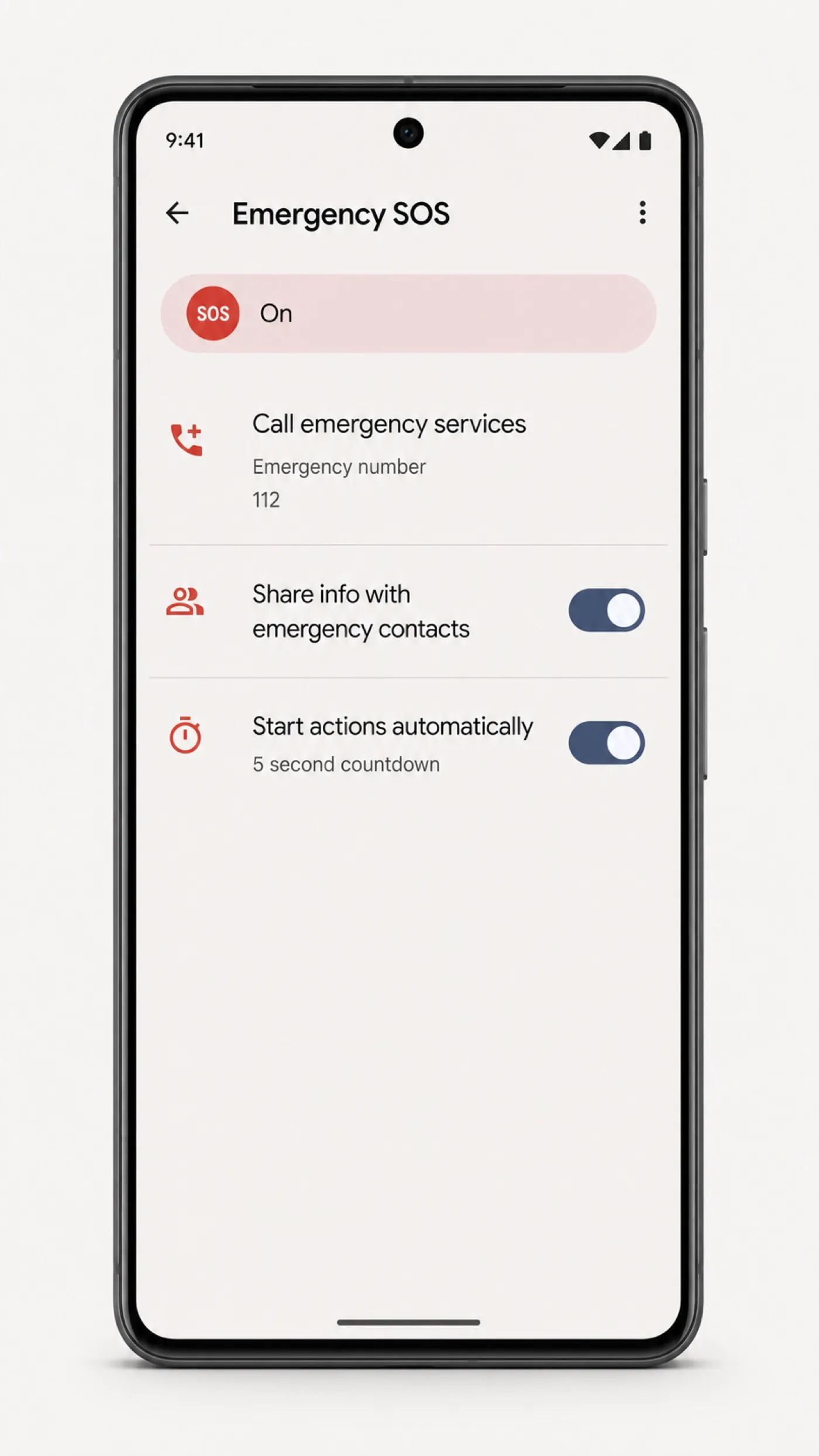
À savoir. Chez Samsung, cela peut se loger sous « Fonctions avancées › Envoyer des messages SOS ».
Étape 3 sur 30 / 6
Choisissez qui prévenir
Tout est prêt
Votre OYA connaît votre téléphone.
Vous n’aurez plus à y penser. Voyez maintenant ce qu’il se passe quand vous tirez l’anse.
Préparez votre OYA, une fois pour toutes.
Vous le reliez à votre téléphone, vous activez le SOS, puis vous choisissez qui prévenir.
Ce qu’il se passe quand vous tirez.
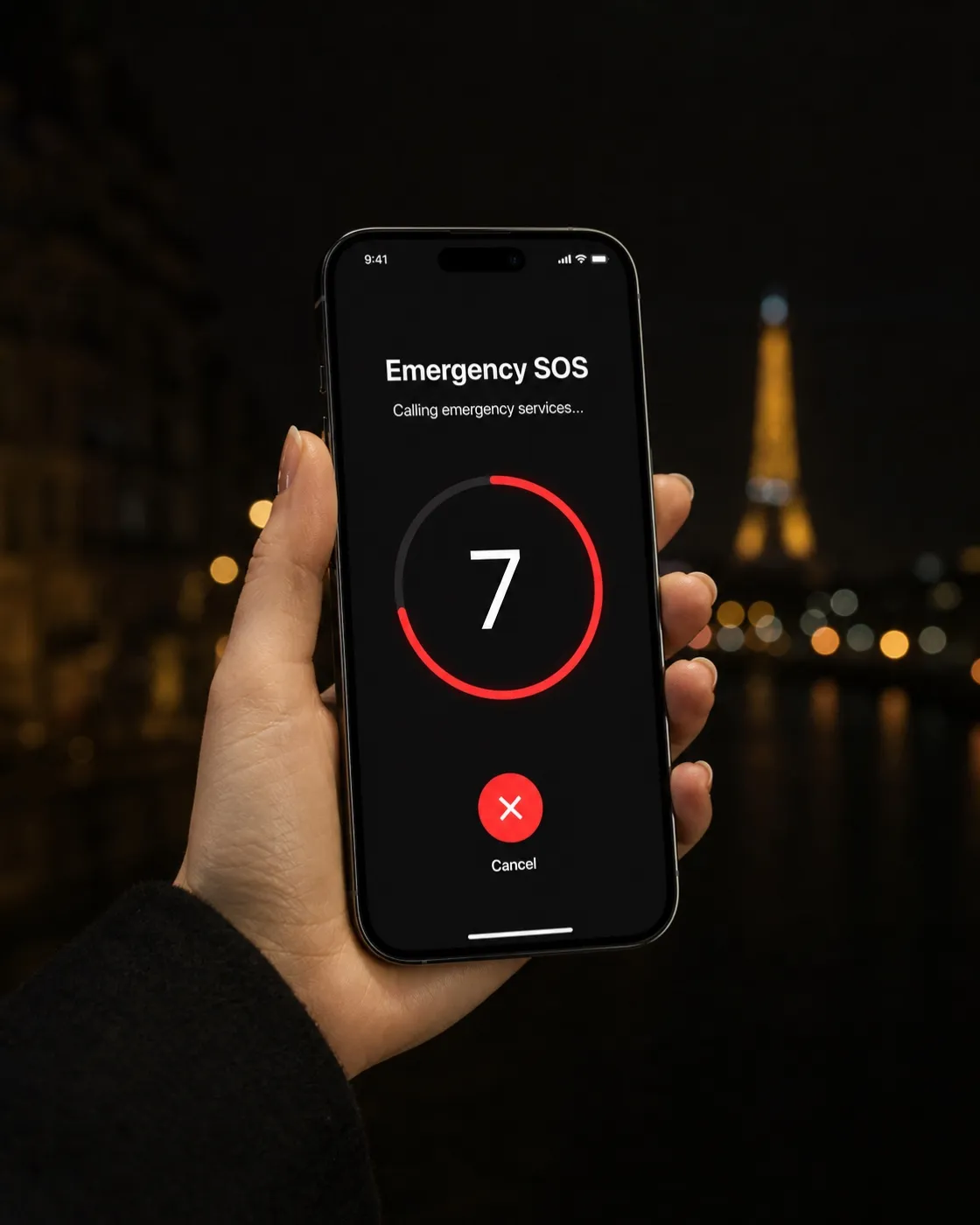
Tant qu’OYA est relié à votre téléphone, un seul geste suffit : votre téléphone appelle les secours du pays où vous êtes.
- 01Votre téléphone est prévenu tout de suite.Vous tirez l’anse, votre téléphone le sait aussitôt, sans application à ouvrir.
- 02Votre téléphone appelle les secours.Son SOS lance l’appel d’urgence et prévient vos contacts, tout seul.
- 03Vos proches savent où vous êtes.Ils reçoivent un message avec votre position, envoyé par votre téléphone.
Un souci ? On vous répond
sous 24 heures ouvrées.
Leurs mots, tels quels.
Petit mais Puissant. Alarme discrète et super Efficace. Je rentre souvent chez moi tard le soir et je me sens maintenant un peu rassuré. En cas de problème ça sonne super fort, ça clignote, et surtout ça alerte directement mes proches. Idéal pour faire fuir les vilaines gens ! Je recommande.Avis publiés sur Trustpilot et reproduits sans modification. Nous affichons les plus récents des avis 5 étoiles, dix au maximum. Lire tous les avis sur Trustpilot